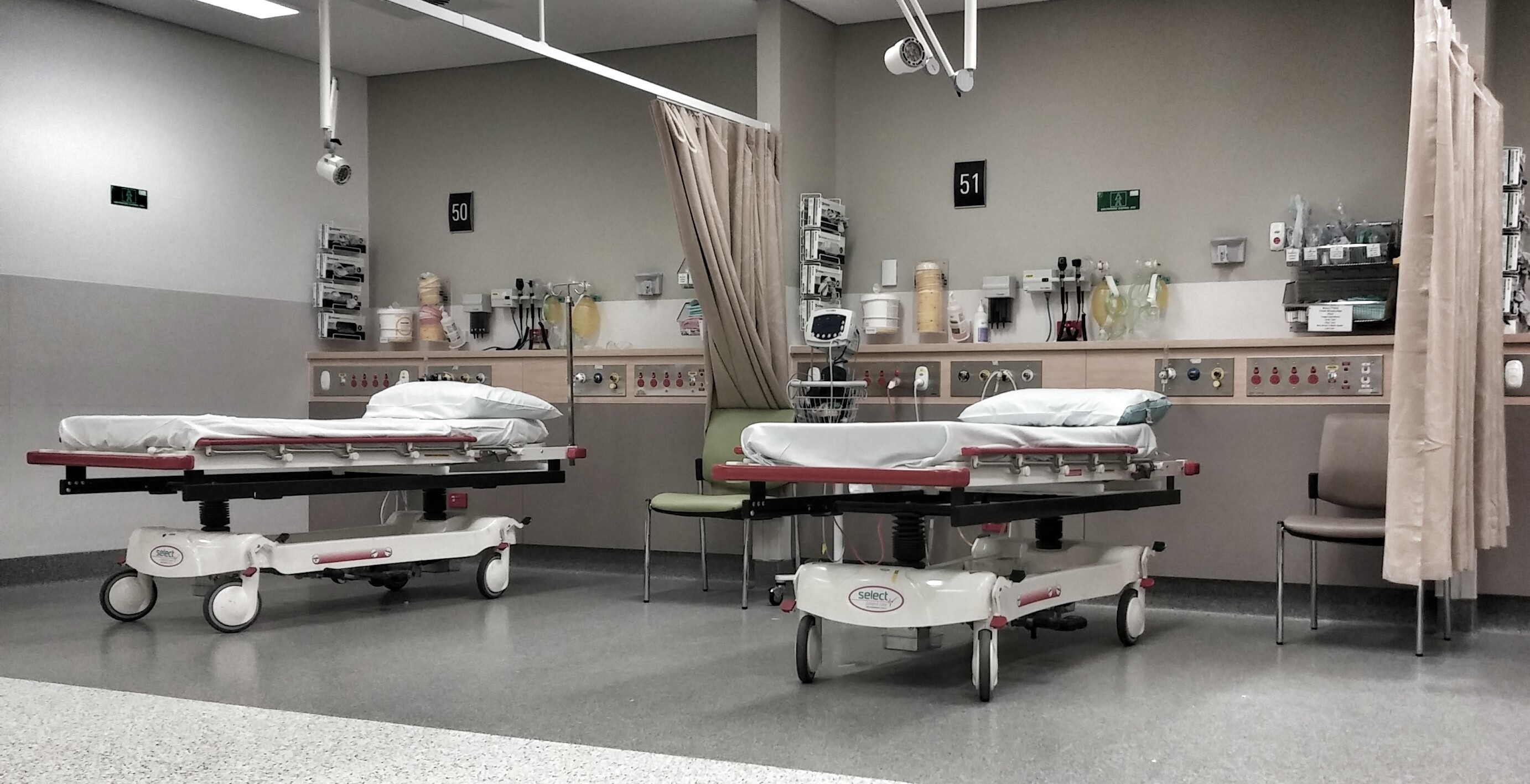
Area 01
Patient Monitoring
Enter the patient monitoring area to view and choose the monitoring and bedside equipment simulations associated with this clinical space.
Select Area →
Choose a clinical or laboratory area to continue into the device selection experience for that space. Each image opens the next level, where users can select and launch the equipment simulations available within that environment.
Enter the patient monitoring area to view and choose the monitoring and bedside equipment simulations associated with this clinical space.
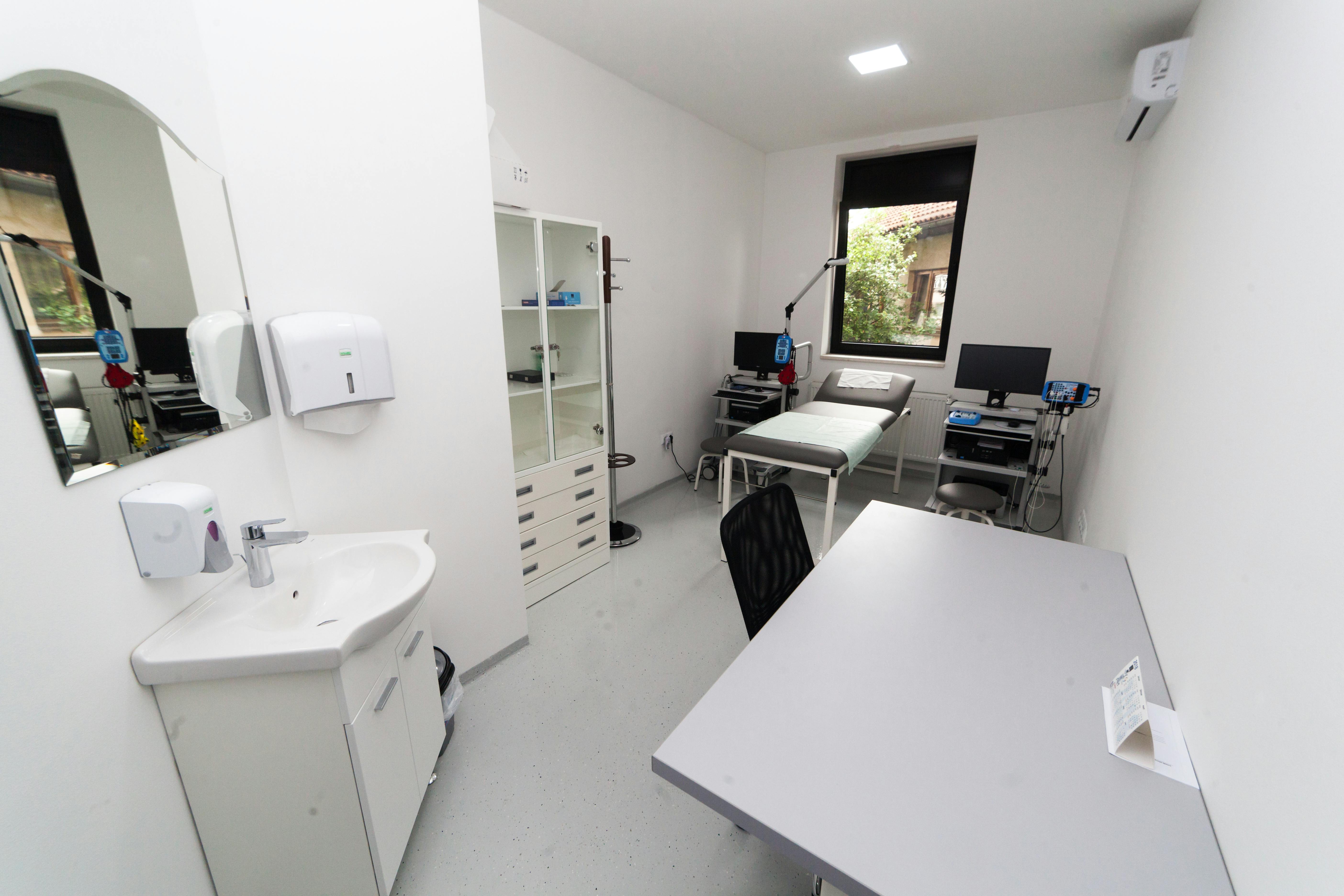
Enter the pulmonary function laboratory area to select from the device simulations and testing equipment available within that room.
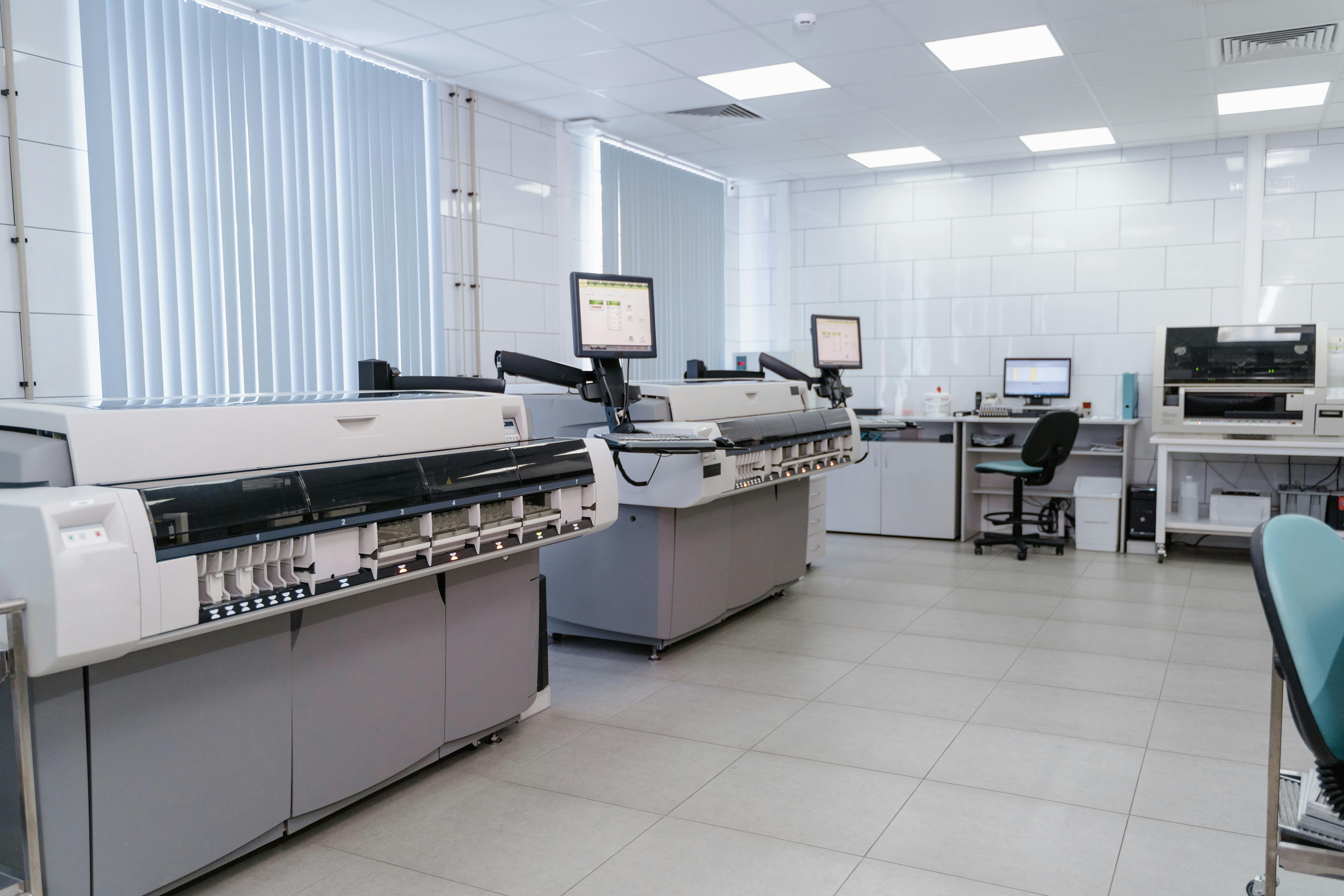
Enter the diagnostic laboratory area to continue to the instrument and analyzer simulation options assigned to this environment.
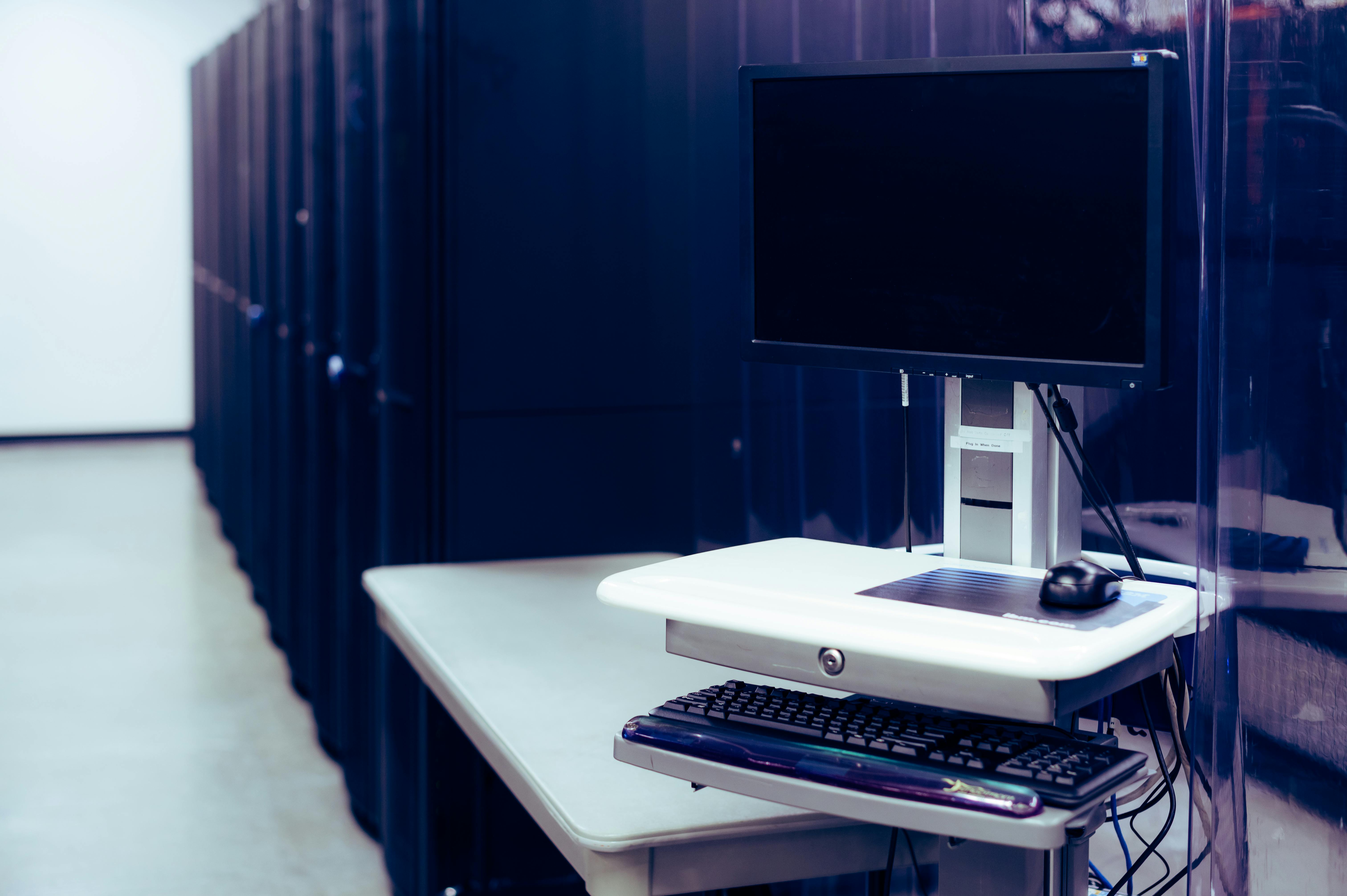
Enter the medical charting area to continue to the device and workstation simulation options associated with documentation and charting workflows.